
Tattoo studio
Booking software for tattoo studios
Start with a request, not a time slot. Clients describe the piece, you send a quote and a deposit link, and the work is planned across as many sessions as it needs.
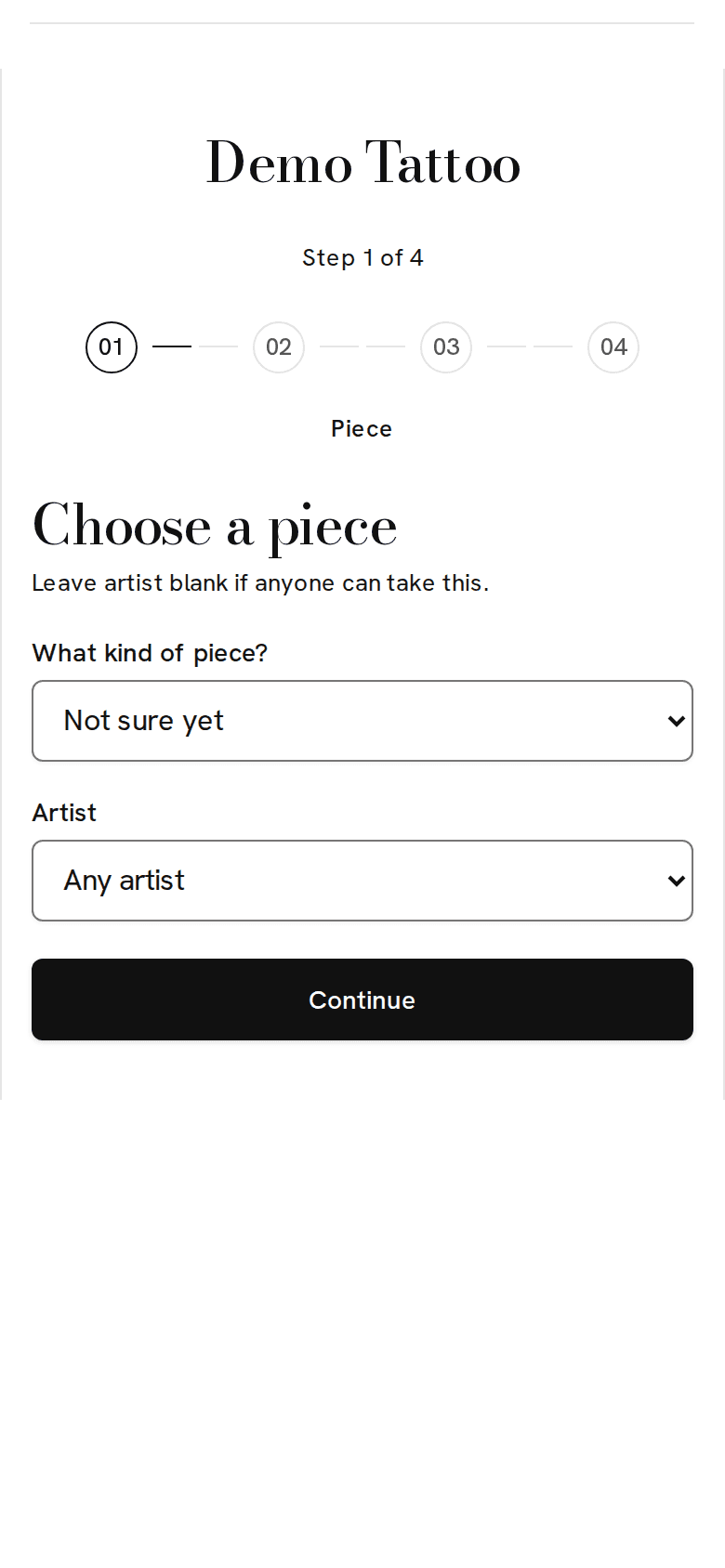
How tattoo studios use Uptempo
- Requests collect placement, size, style, budget, and reference photos.
- Open your books for set dates. Outside them, your page says your books are closed.
- A large piece can span several sessions. The deposit counts toward the work, and the balance stays visible.
- Approve the design with the client before the first session.
- Consent forms record date of birth, check the minimum age, and keep a photo ID private to your team.
- Aftercare messages follow each session.
Starter pieces
These are filled in when you sign up. Rename them, change the prices, or add your own.
| Piece | Length | Price |
|---|---|---|
| Consultation | 30 min | Free |
| Small piece | 2 hr | $150 |
| Half-day session | 4 hr | $600 |
| Full-day session | 8 hr | $1,100 |
| Flash | 1 hr | $150 |
| Touch-up | 1 hr | Free |
Turned on from the start
Every tool is available to every business. These start on for tattoo studios.
Your words, everywhere
Your calendar, booking page, and messages say artists, clients, and sessions. You can rename any of them.
- Requests and quotes
- Clients describe what they want and you reply with a price.
- Multi-session projects
- Track work that takes several sessions.
- Consent with ID check
- Collect consent, date of birth, and photo ID before a session.
- Waitlist
- Text the next client when a time opens up.
- Gift cards
- Sell gift cards and take them at checkout.
- Photos and checklists
- Add photos and checklists to each session.
- Aftercare messages
- Send care instructions automatically after a session.